Start the new virtual machine and open a session as PKI Hub administrator.
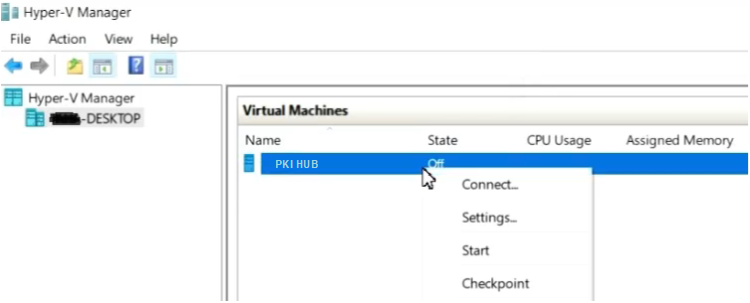
To start a PKI Hub virtual machine on Hyper-V
- Open the Hyper-V Manager console.
- Right-click the name of the new virtual machine and select Settings.
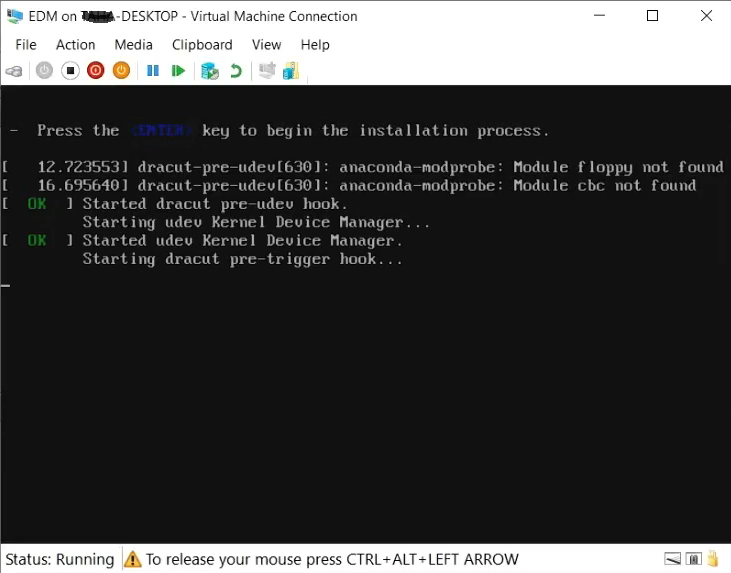
- Wait while the PKI Hub machine completes the start process.
- Login with the
sysadminusername and thechangeme password. - When prompted, change the initial password with a password meeting the requirements described in Password policy CIS benchmarks.