Once onboarded, administrators can be added to an existing partition.
To add a partition administrator
Open the following URL in a Web browser.
https://<machine>:8443/management-consoleWhere
<machine>is the IP address or domain name of the machine hosting PKI Hub.This release changes the URL port to 8443. Update your bookmarks accordingly.
Log in to the Management Console as a partition administrator – for example, as the user who created the partition.
- In the content pane, click Manage Solution under Certificate Authority.
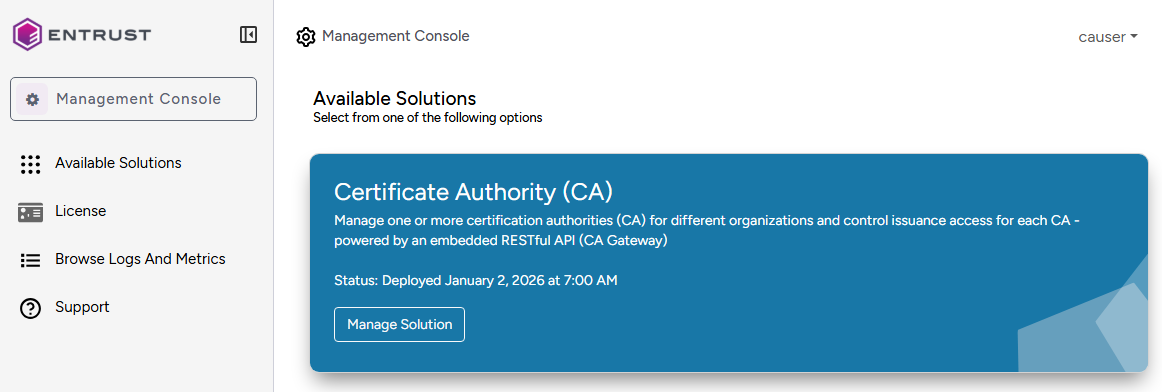
- Click Operations.
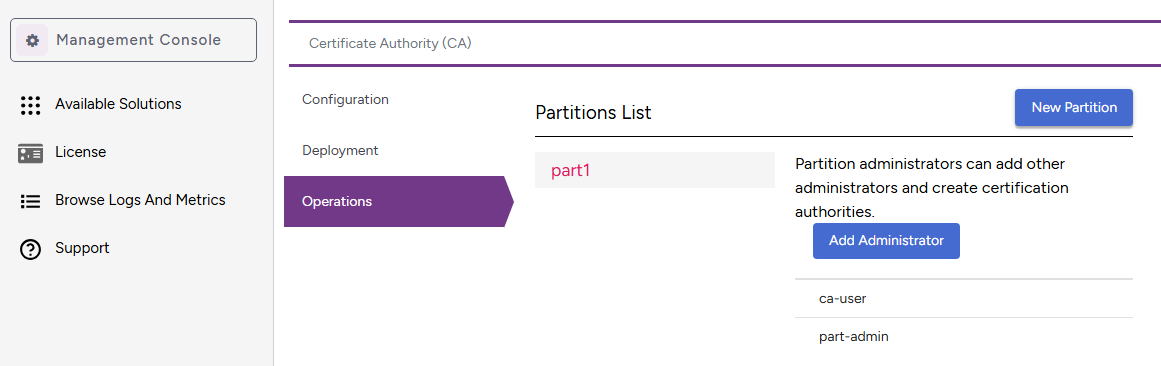
- Click Add Administrator.
- Enter the name of a user who has been previously onboarded, as explained in Onboarding partition administrators.
- Click Add.