Create at least a partition for your certificate authorities and certificates.
A partition is a dedicated and secure environment for a customer to manage and run a PKI. Each partition ensures the customer’s data, operations, and resources are separate and protected while supporting scalability and customization.
To create a partition
Open the following URL in a Web browser.
https://<machine>:8443/management-consoleWhere
<machine>is the IP address or domain name of the machine hosting PKI Hub.This release changes the URL port to 8443. Update your bookmarks accordingly.
- Log in to the Management Console as the user described in Creating partition administrators.
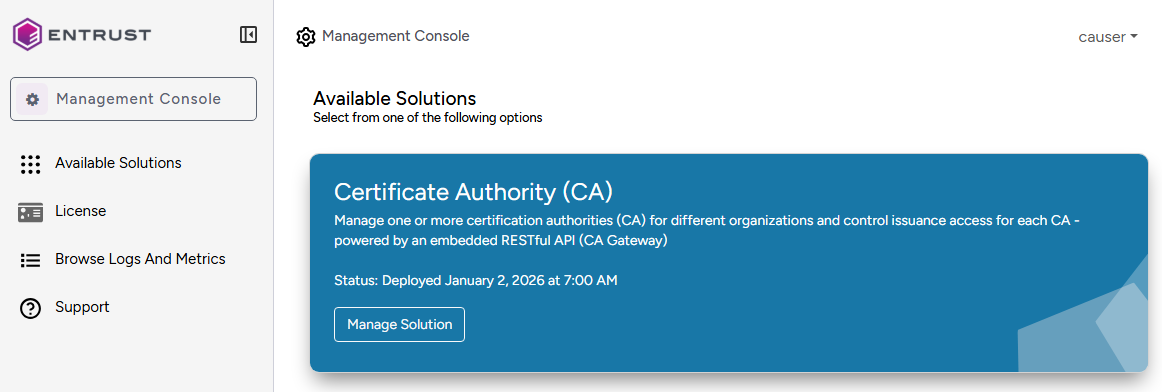
- In the content pane, click Manage Solution under Certificate Authority (CA).
- Navigate to Operations.
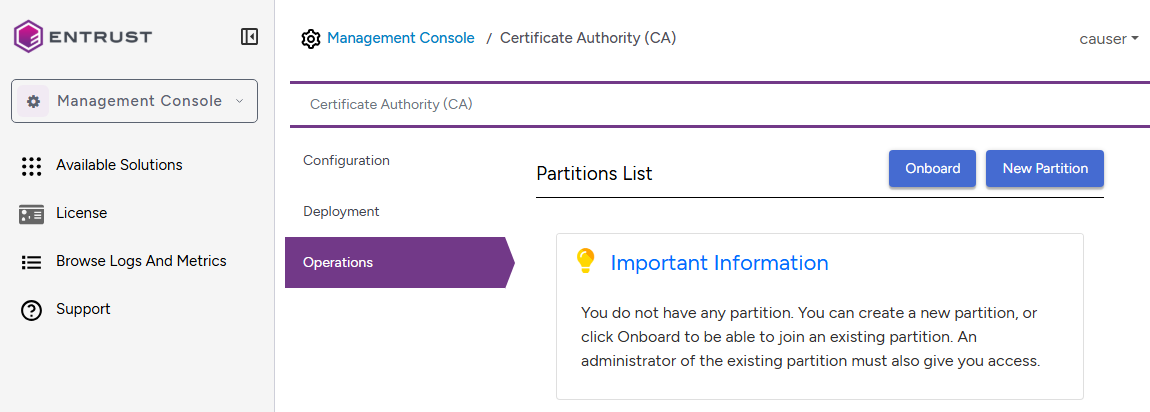
- If not yey onboarded, click Onboard.
- Click New Partition.
- Enter a unique partition identifier in the Create Partition dialog.
The partition identifier must be between 3 and 14 characters long and contain only letters a-z or numbers.
- Click Create to confirm the partition creation.