Log in to the web Management Console and replace the initial password of the admin user.
This admin user of the Management is not to be confused with the sysadmin user for shell command operations.
To replace the initial password for the Management Console admin
Open the following URL in a Web browser.
https://<machine>:8443/management-consoleWhere
<machine>is the IP address or domain name of the machine hosting PKI Hub.This release changes the URL port to 8443. Update your bookmarks accordingly.
- Log in with the
adminusername andChangeme123456@#password.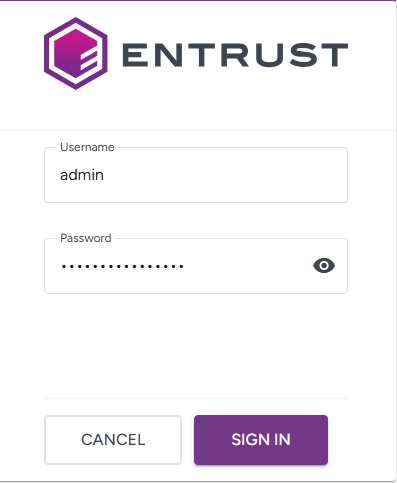
- After the first login, you will be prompted to change these initial credentials. Fill in the Change Password form to enter and confirm a password with the default Authentication settings.
- Complete your account information
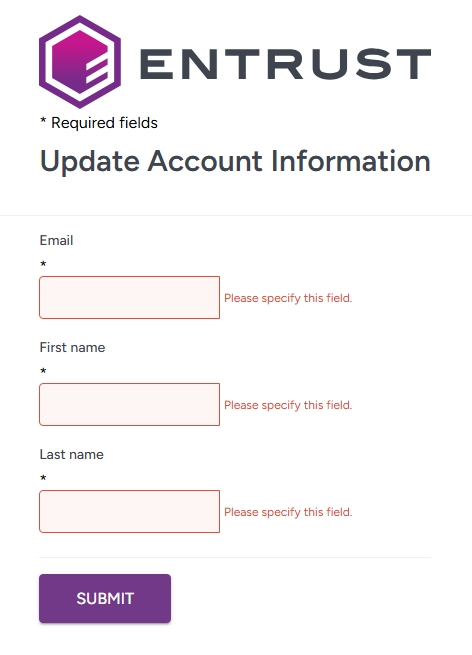
- Click Submit,