See below for adding or removing certificate profiles from an already-created certificate authority.
To update the certificate profiles of a certificate authority
Open the following URL in a Web browser.
https://<hostname>/v2/Where
<hostname>is the IP address or domain name selected in General.- Log in to the Management Console as the user described in Creating partition administrators.
- Select the partition on which to manage certificate authorities and certificates.
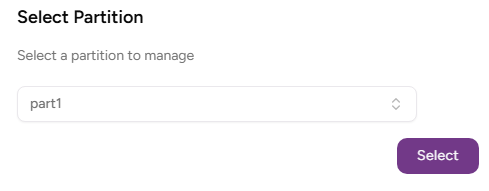
- Click Select.
Click Certificate Authorities on the sidebar.
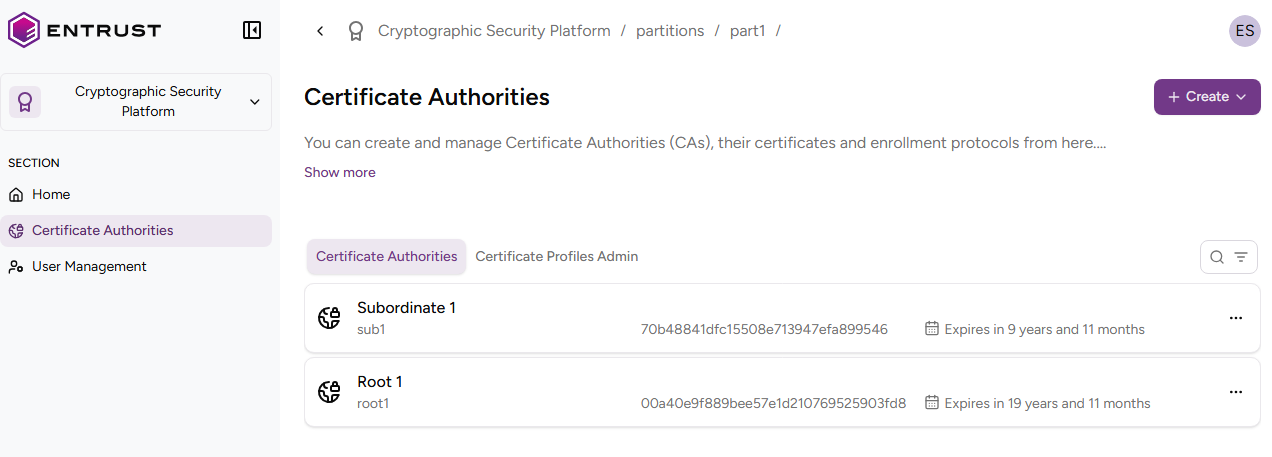
- In the certificate authorities grid, click the name of a certificate authority.
- Click the three dots to the right of the certificate details page.
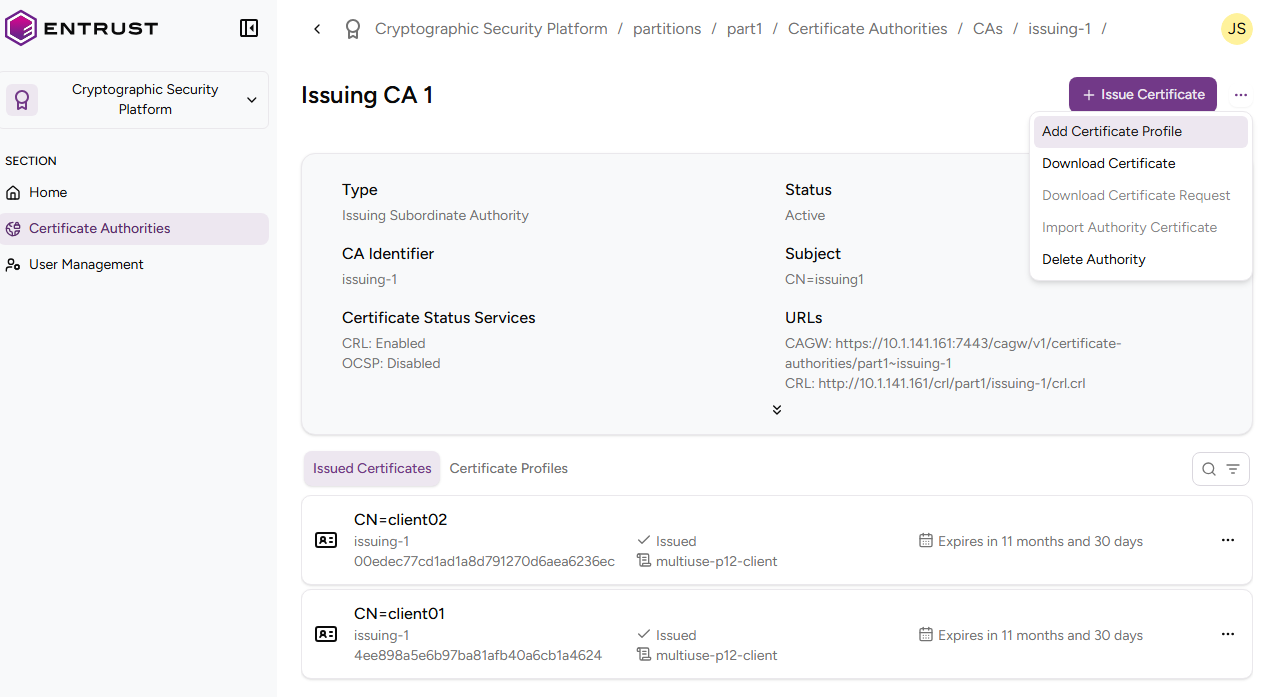
- Select Add Certificate Profiles.
- Use the Update Authority Profiles page to add or remove certificate profiles.