See below for how to browse PKI DB Appliance audit logs.
See Syslog Server for configuring log redirection to a third-party syslog server.
To browse PKI DB Appliance logs
Open a web browser in the URL obtained when Running PKI DB Appliance.
Do not omit the "https" prefix of the URL.
- Navigate AUDIT LOG.
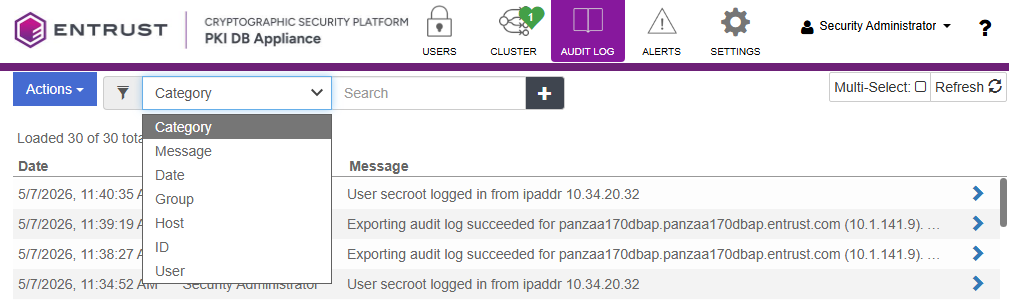
- Use filter options to search for specific logs.
- Select Actions > Export.
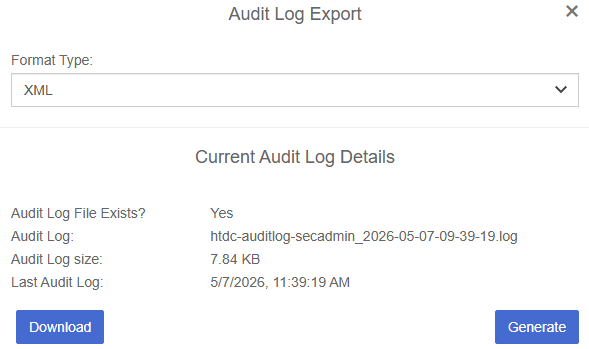
- Select the XML or CSV export file format in the Format Type list.
- Click Generate to create an export file containing the latest logs.
- Click Download to export the logs in a single file of the selected type.