See below to download issued certificates.
To download a certificate:
Open the following URL in a Web browser.
https://<hostname>/v2/Where
<hostname>is the IP address or domain name selected in General.Log in to the Certificate Authority user interface as a user with any of the following roles on a partition.
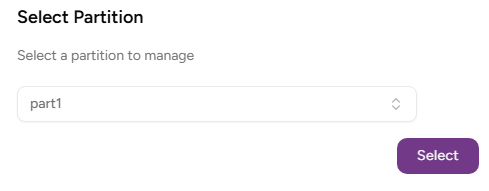
- Select the partition on which to manage certificate authorities and certificates.
Click Certificate Authorities in the sidebar.
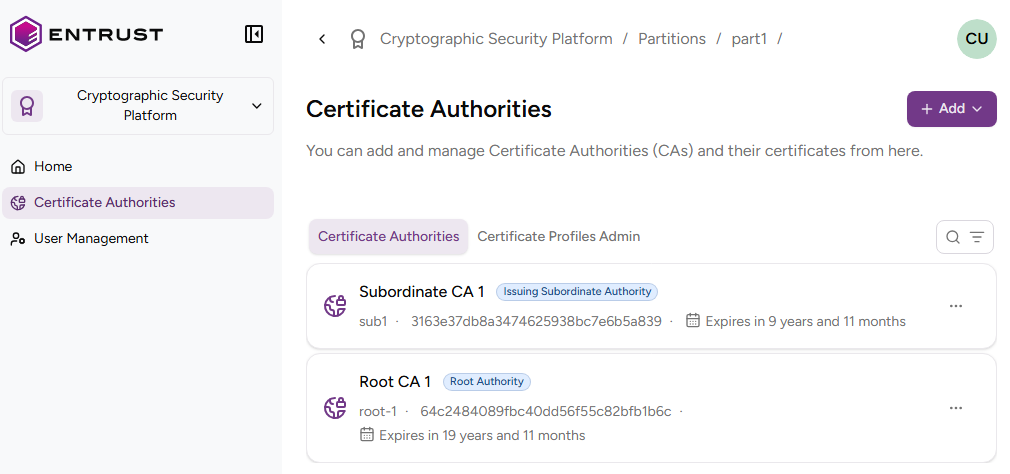
- In the Certificate Authorities tab, click the name of the certificate authority that issued the certificate.
In the list of certificates issued by the certificate authority, click the three dots ("…") to the right of the certificate.
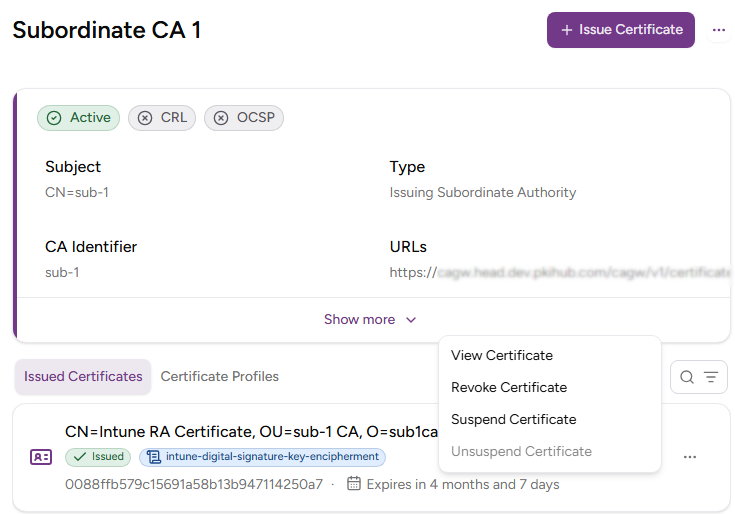
- Select View Certificate.
- In the certificate details page, click the three dots ("…") to the right of the certificate subject name.
- Select Download Certificate.