See below for browsing and assigning roles to Certificate Authority users.
To grant roles to Certificate Authority users.
Open the following URL in a Web browser.
https://<hostname>/v2/Where
<hostname>is the IP address or domain name selected in General.- Log in to the Certificate Authority user interface as a user with the Owners role on a partition.
- Select the partition on which to manage certificate authorities and certificates.
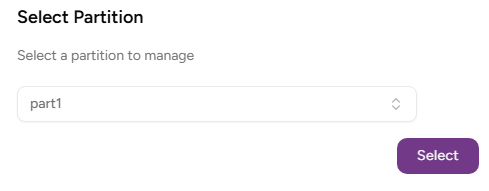
- Click Select.
- Click User Management in the sidebar and select the Roles tab.
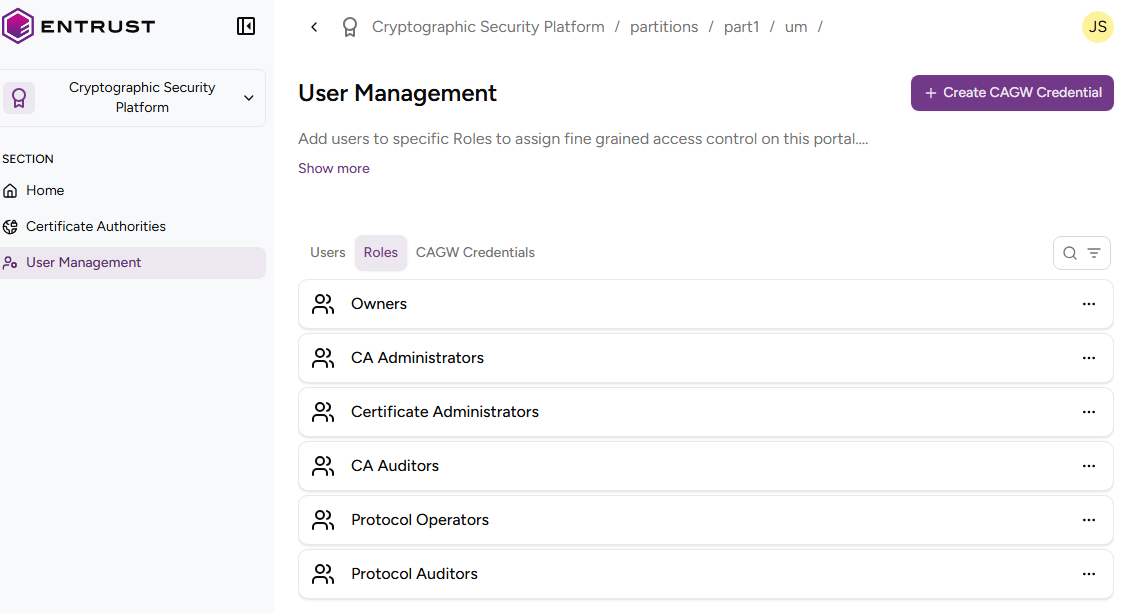
Browse the list of role users. - Click the name of a role to check the list of users with this role.
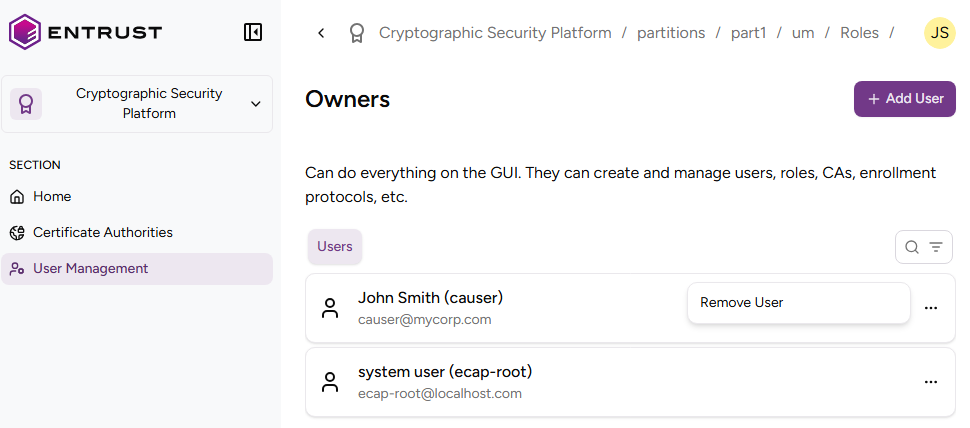
- Manage the list of users with the role:
- Click Add User to grant the role to a user.
Only users registered with the PkihubRole role will be able to access the partition.
- Click the three dots to the right of a user, and select Remove User to unassign the role from the user.
- Click Add User to grant the role to a user.