This section explains how to log in to the Discovery Cryptographic Security Platform.
To launch the Discovery application, follow the steps below:
- Open your web browser and go to the Compliance Manager URL.
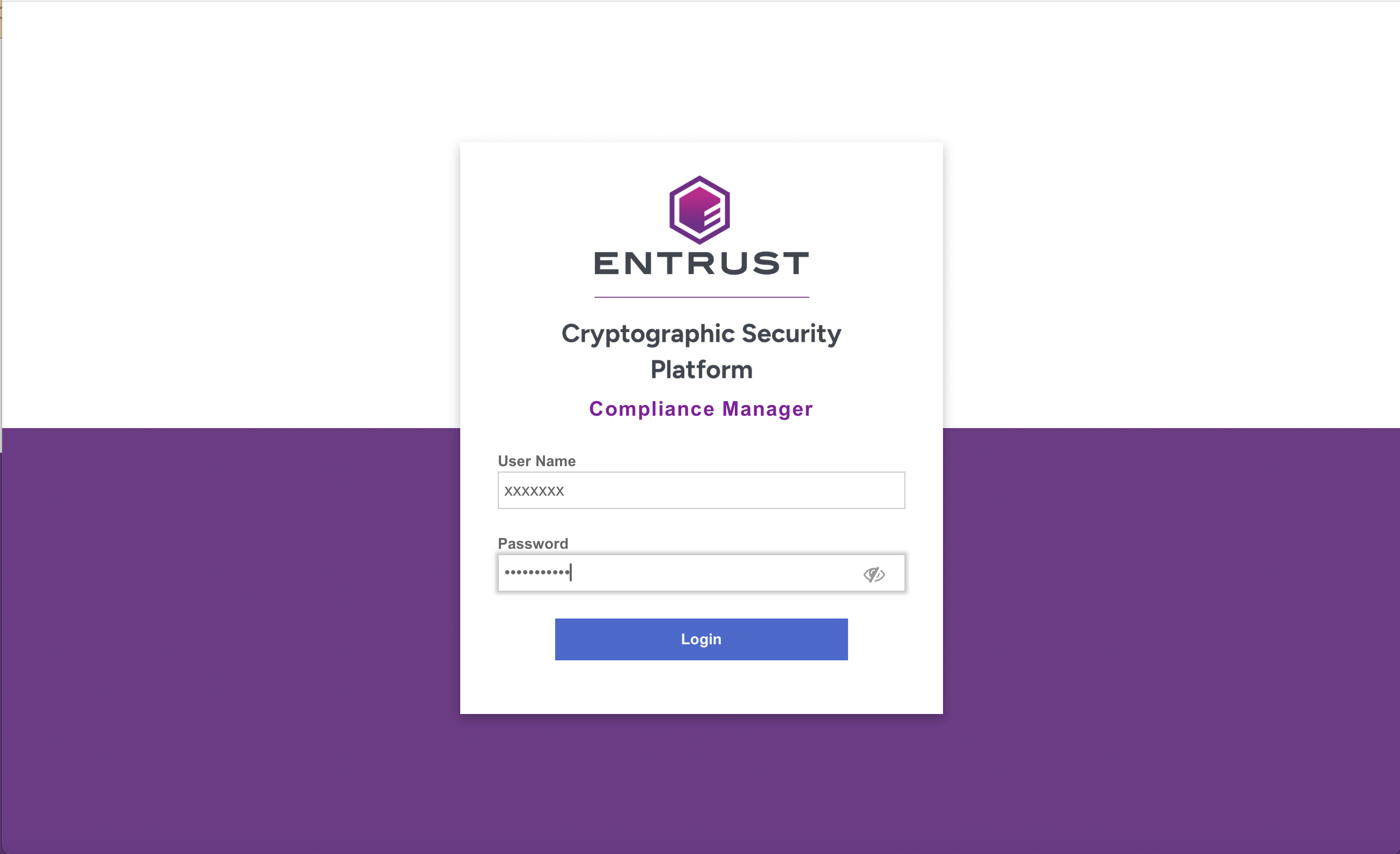
- Log in to the Entrust CSP Compliance Manager.
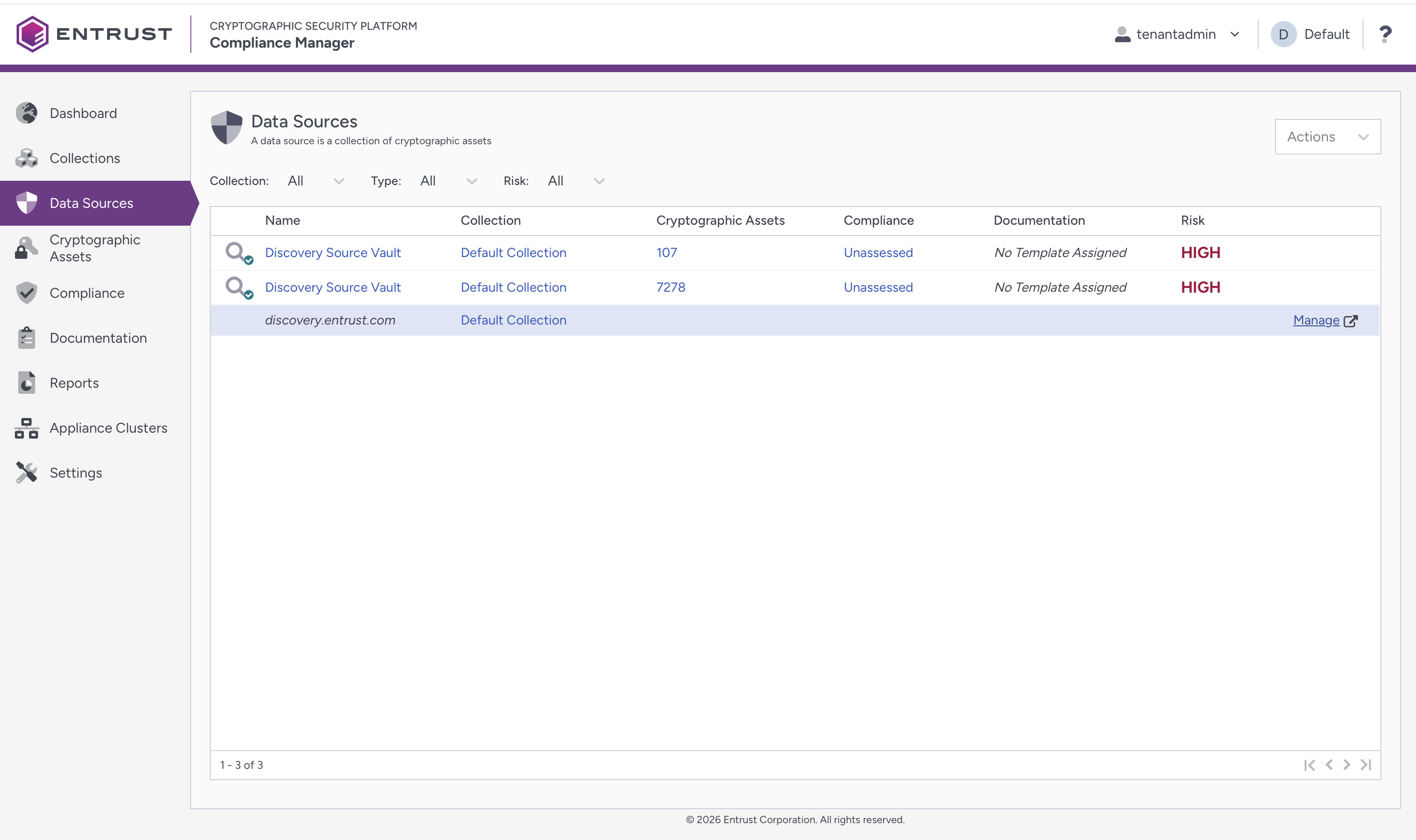
- Click Data Sources. Select the Manage link beside the Discovery URL provided in the Name column.
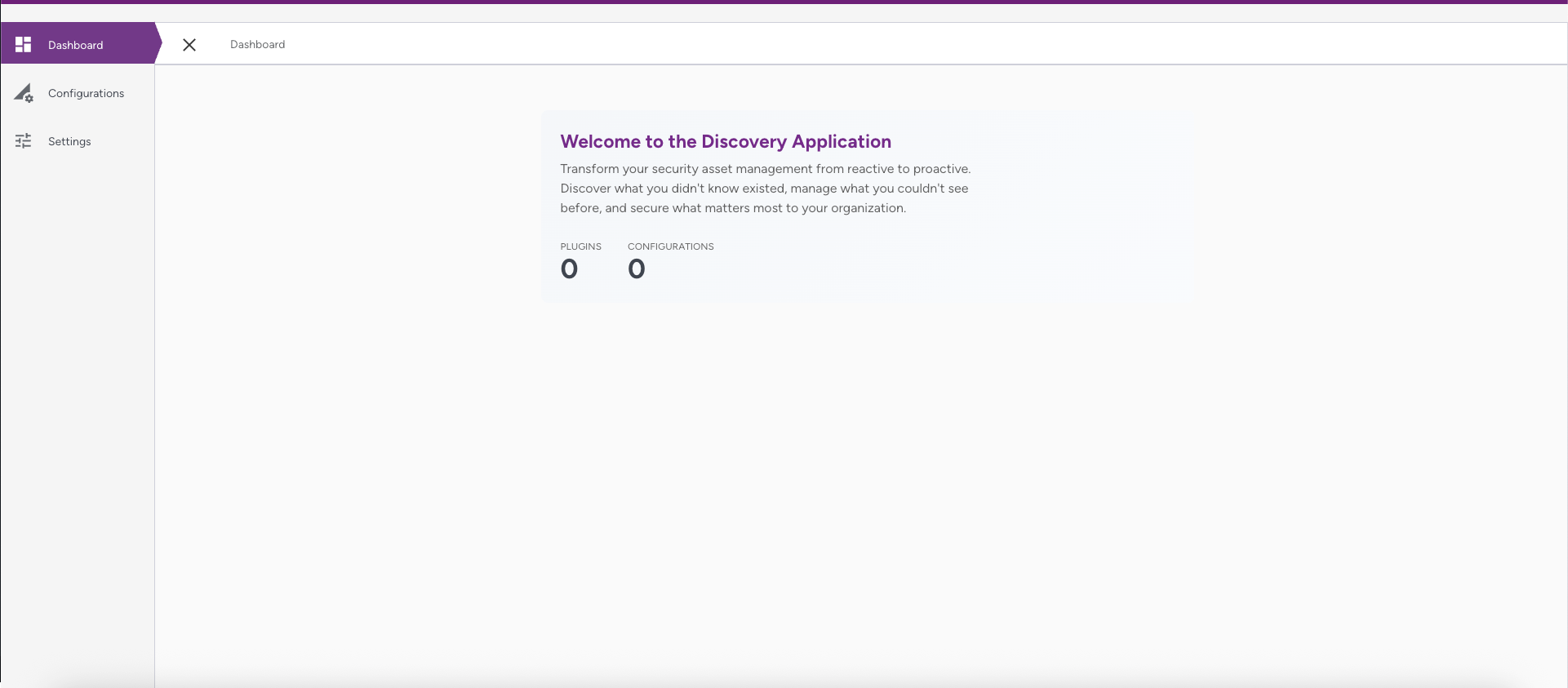
- Bookmark the URL if you'd like to access the Discovery application directly.
- Use the tool options below.