Follow the steps below to install the PKI Hub ISO image as a VMware vSphere virtual machine.
To create a PKI Hub virtual machine on VMware vSphere
- Log in to your VMware vSphere portal.
- Right-click a node in the virtual machine navigation tree.
- Select New Virtual Machine to display the machine creation wizard.
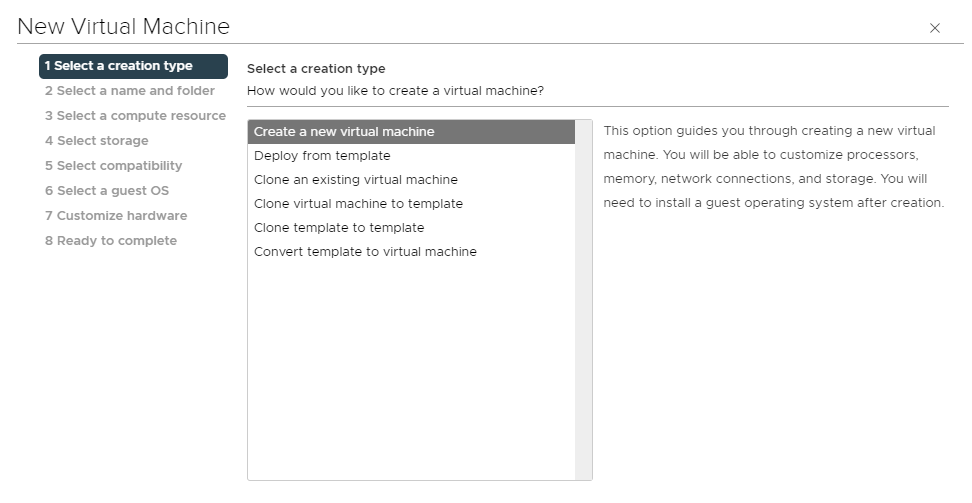
- In each step of this wizard, select the values described below.