See below for restoring the configuration of a single solution.
The process described in Backing up and restoring PKI Hub backs up and restores the configuration of all deployed solutions.
To restore the configuration of a solution
- Unzip in the same folder the contents of the compressed file obtained when Backing up the configuration of a solution.
Open the following URL in a Web browser.
https://<machine>:8443/management-consoleWhere
<machine>is the IP address or domain name of the machine hosting PKI Hub.This release changes the URL port to 8443. Update your bookmarks accordingly.
- Log in to the Management Console as a user belonging to a role with permissions on the solution – for example, the initial
adminadministrator user.See Managing identities for how to manage users and roles.
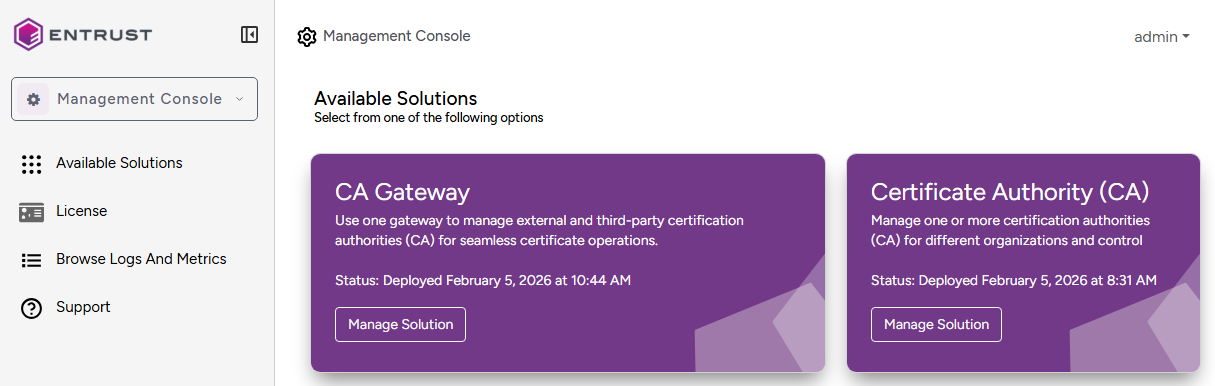
- In the content pane, click Manage Solution under the solution name.
Toggle Enable Advanced Configuration to configure the full set of configuration parameters supported by the solution.
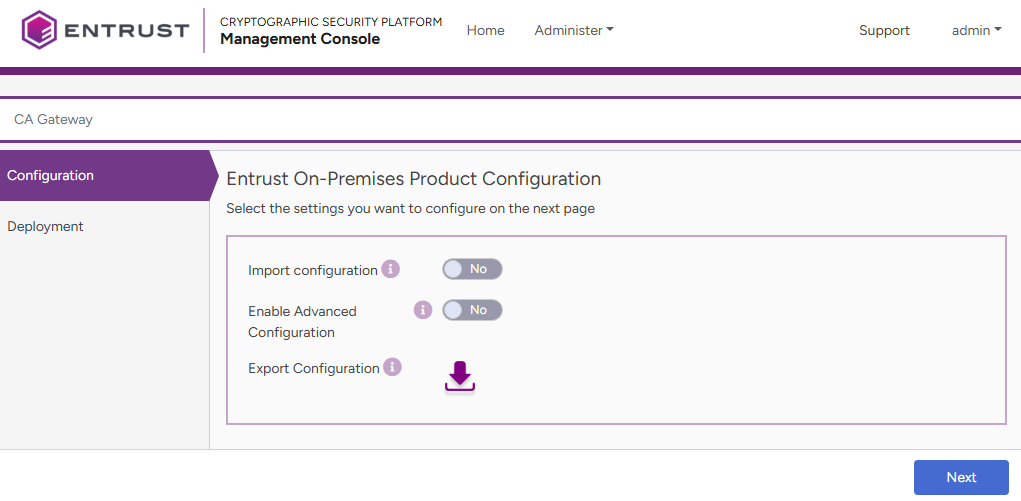
- Click Import configuration.
- Click Select files.
- Select the
application.ymlfile in the folder where you extracted the exported configuration.