Start the new virtual machine and open a session as PKI Hub administrator.
To start a PKI Hub virtual machine on Hyper-V
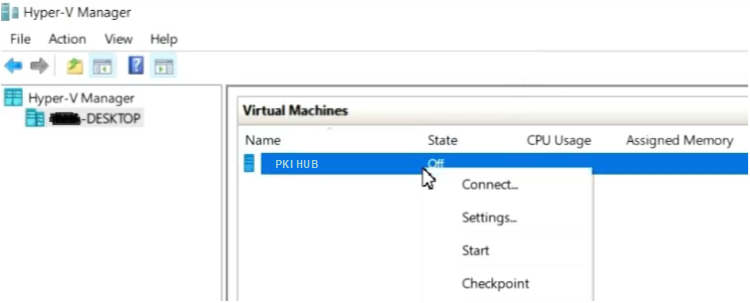
- Open the Hyper-V Manager console.
- Right-click the name of the new virtual machine and select Settings.
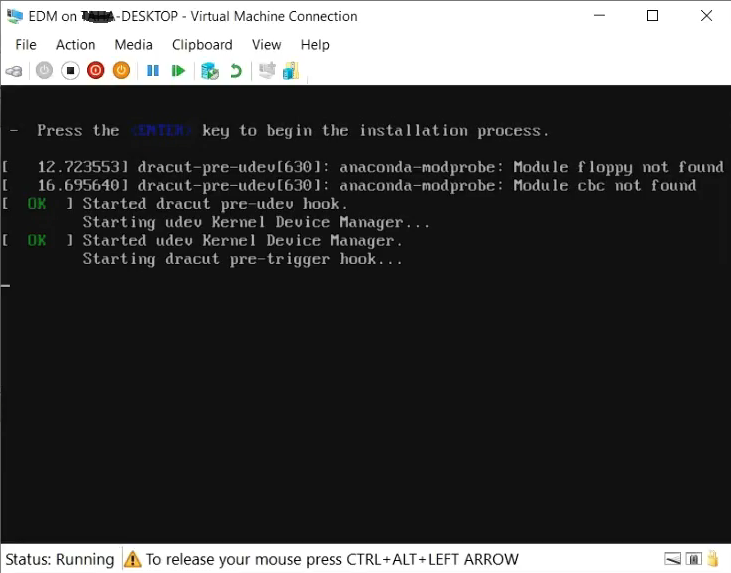
- Wait while the PKI Hub machine completes the start process.
- Log in with the
sysadminusername and thechangeme password. - When prompted, change the initial password to one that meets the requirements described in the Password policy CIS benchmarks.