If you've already uploaded it as described in Uploading the PKI Hub ISO image with Nutanix Prism Element, you can import the PKI Hub image into Nutanix Prism Central.
To import the Entrust PKI Hub image from Nutanix Prism Element to Nutanix Prism Central
Log in to your Nutanix Prism Element web portal.
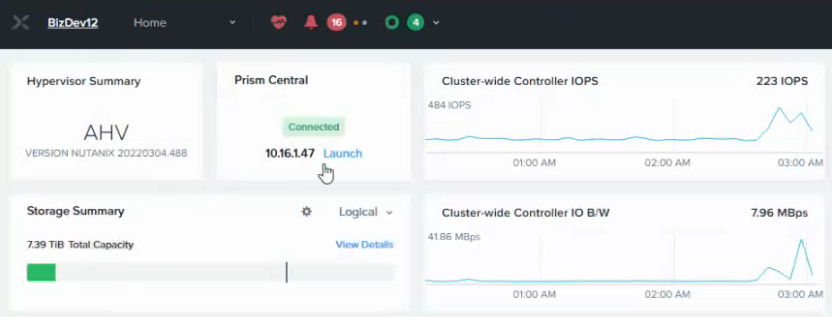
- Click Launch under Prism Central.
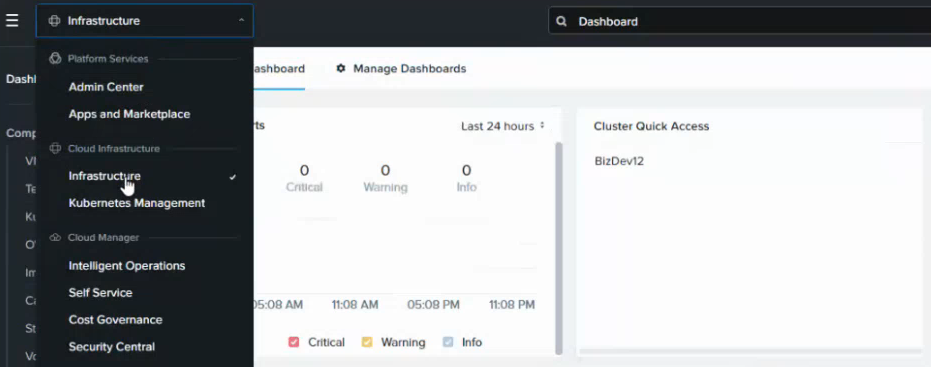
- Log in to the Prism Central portal and select Infrastructure in the top-left menu.
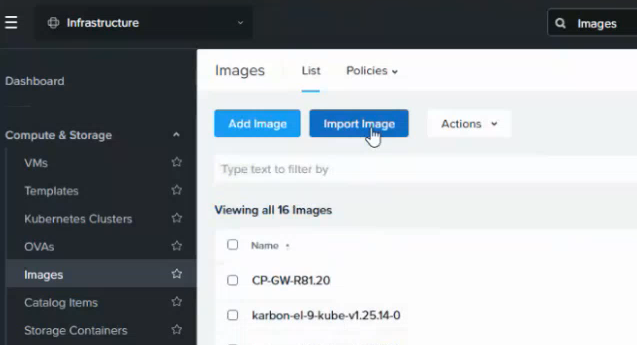
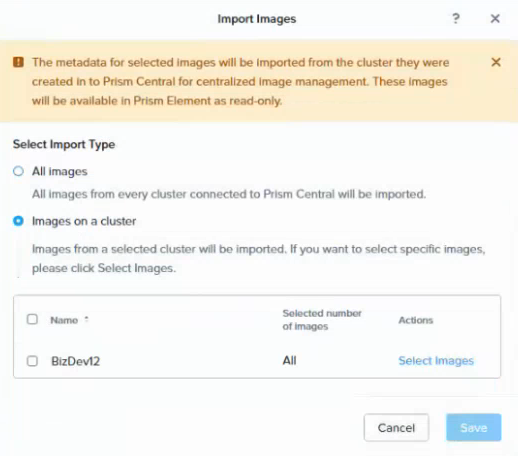
- Select Images in the navigation sidebar and click Import Image in the content pane.
- Select Images on a cluster.
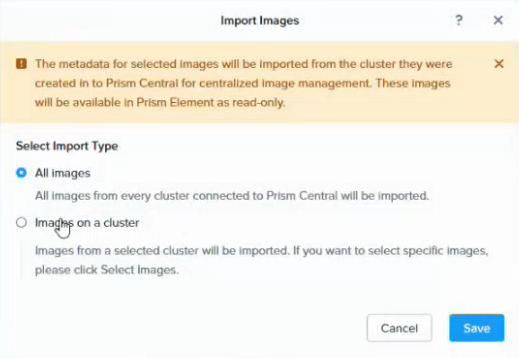
- Click Select Images for one of the listed clusters.
- Select the image previously imported in Uploading the PKI Hub ISO image with Nutanix Prism Element.
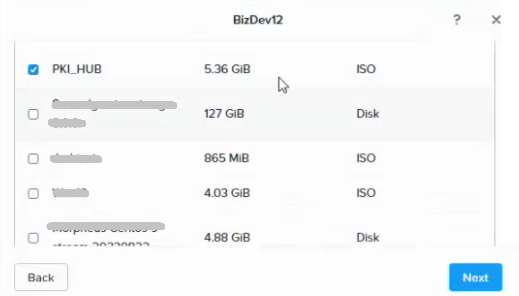
- Click Next and wait for the import task to complete.