After creating a subordinate issuing authority, you can update the list of allowed subject alternative names (SANs).
See Managing SAN lists to create allowed SAN lists.
To update the allowed SAN list of a certificate authority
Open the following URL in a Web browser.
https://<hostname>/v2/Where
<hostname>is the IP address or domain name selected in General.- Log in to the Certificate Authority user interface as a user with the Owners or CA Administrators roles on a partition.
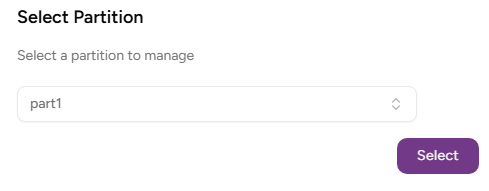
- Select the partition on which to manage certificate authorities and certificates.
Click Certificate Authorities in the sidebar.
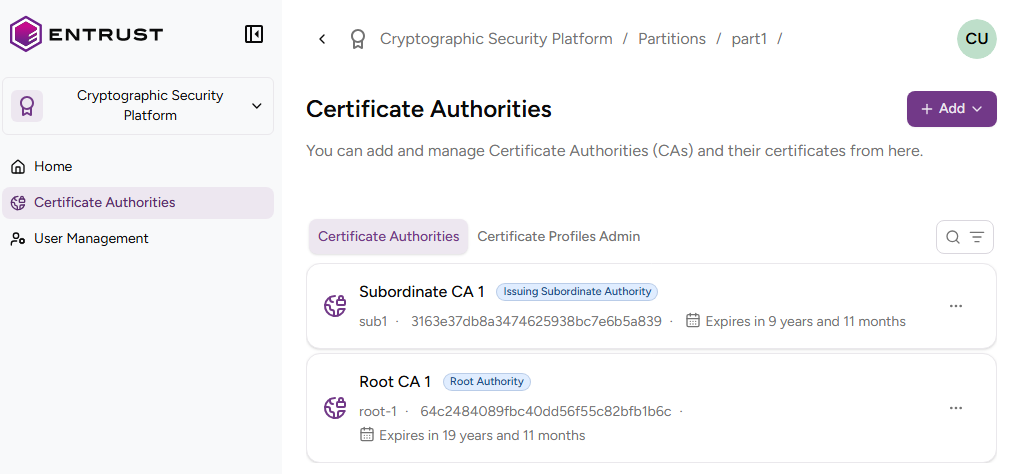
In the Certificate Authorities tab, select the three dots (…) to the right of a certificate authority.
Select Modify Allowed SAN List.
Add, replace, or remove the allowed SAN lists the authority will use for issuing certificates.