Select this option to decommission a PKI DB Appliance node – for example, when Recovering PKI DB Appliance from disaster.
Once decommissioned, the node will be removed from the cluster and will no longer be operative.
To decommission a PKI DB Appliance node
Open a web browser at the URL obtained when Running PKI DB Appliance.
Do not omit the "https" prefix of the URL.
- Navigate to SETTINGS.
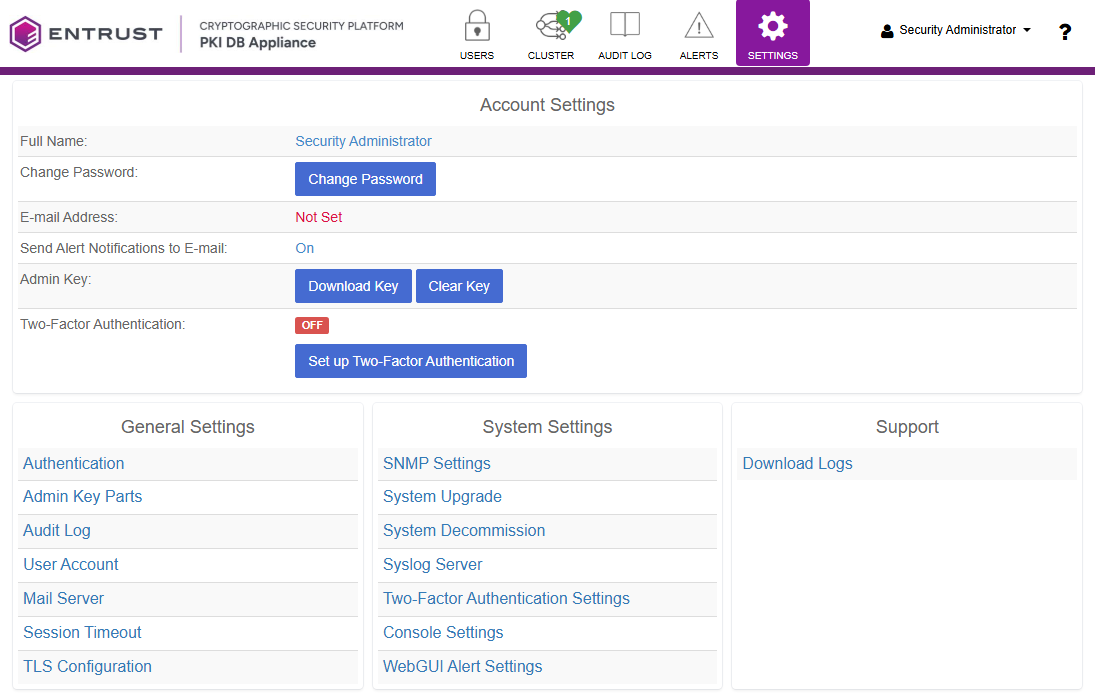
- Click System Decommission.
- Click Browse.
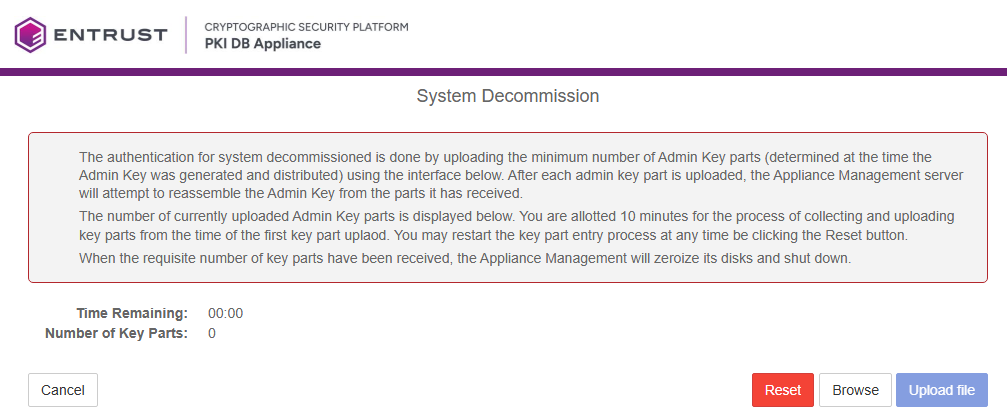
- Select the key file you obtained when you first logged in to the user interface.
- Click Upload file.
The Reset button allows you to restart the process and load a different key file.