Download your Signing Automation License from the Entrust Certificate Services web portal.
To download the Signing Automation License
- Log in to the Entrust Certificate Services web portal at cloud.entrust.net
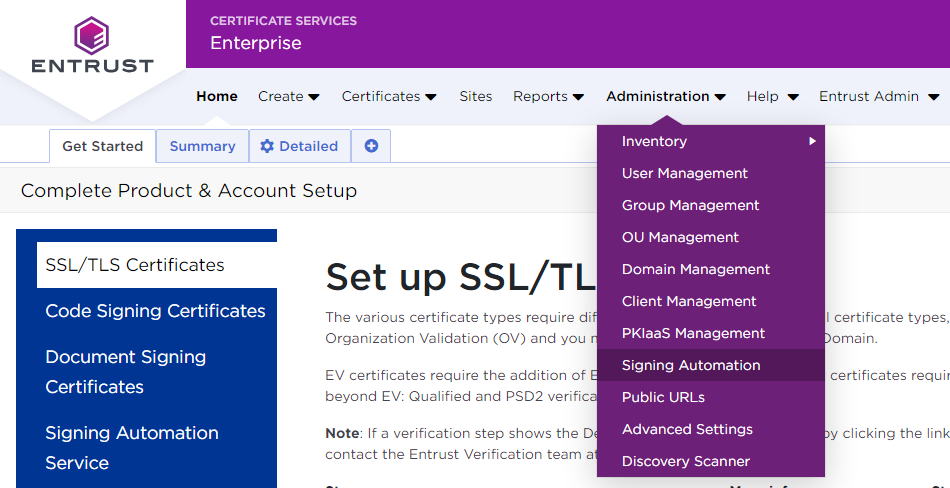
- Select Administration > Signing Automation.
- In the sidebar, click on Signing Clients.
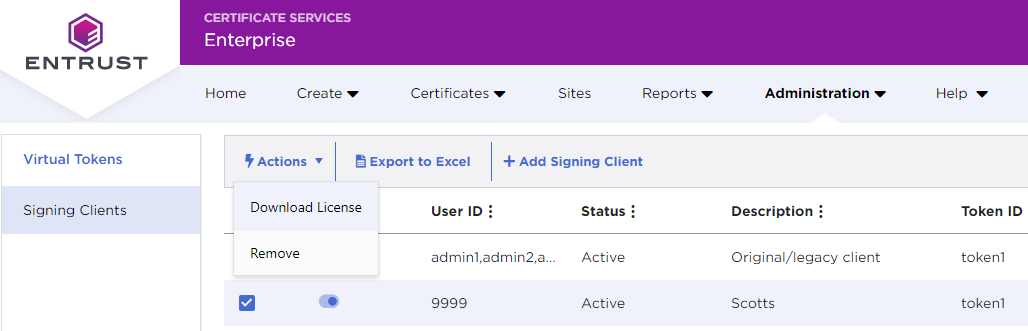
- In the Signing Clients grid, click the checkbox of a Signing Client row.
- In the menu bar, select Actions > Download License.
- In the confirmation dialog, click Download.