One of the important features offered by this system is the ability to control remote access to the encrypted data from the Cryptographic Security Platform Vault. Entrust boot encryption also offers this feature. The C: drive is presented in the Cryptographic Security Platform Vault webGUI as simply another disk to be managed. Keys can be revoked and access granted in the same manner as non-root disks.
If access to the encrypted C: drive is revoked, the Policy Agent, upon the next heartbeat, will immediately present a stop error, better known as a "Blue Screen of Death" or BSOD. The BSOD status code is set to the value "DEADDEAD" so that it can be quickly determined that a key revocation is the reason for the BSOD.
The BSOD will eventually result in the VM attempting to reboot. Of course, at this time, the key is no longer available, since access has been revoked. Key retrieval will fail and the boot will fail with it.
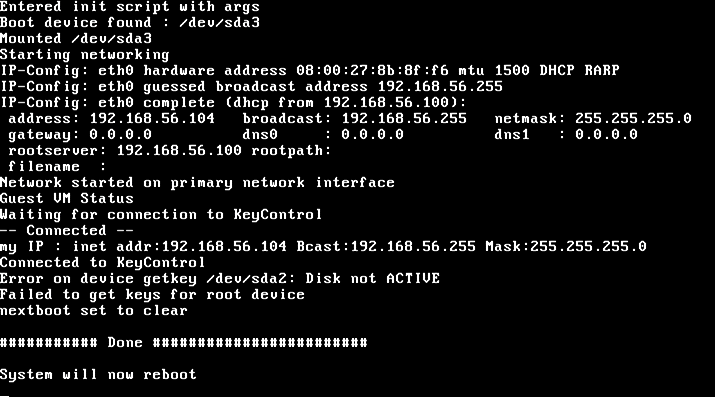
The boot attempt will fail with the status code 0xC00000f, indicating a failure to read the disk. This boot error persists until access to the key has been restored. After the key is restored, Windows will reboot normally.
For details about revoking the keys to a disk, see Revoking Access to a Disk.