Select this option to upgrade the PKI DB Appliance version or revert to a previous one.
To upgrade or revert a PKI DB Appliance version
Open a web browser in the URL obtained when Running PKI DB Appliance.
Do not omit the "https" prefix of the URL.
- Navigate to SETTINGS.
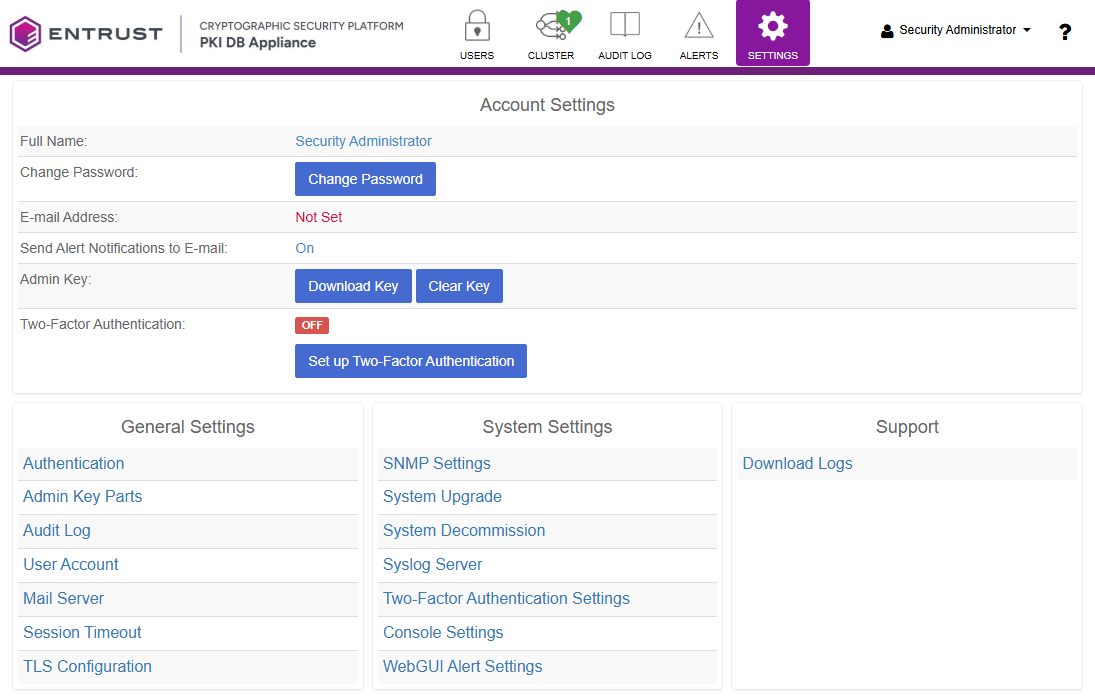
- Click System Upgrade.
- Click Browse.
- Select the new version bundle file.
- Click Upload file.
- Wait while the process completes.
- Reboot the machine as explained in Rebooting a PKI DB Appliance node.