Follow the steps below to delete an allowed SANs list.
Before deleting an allowed SANs list, verify which subordinate issuing authorities are using it.
To delete an allowed SANs list
Open the following URL in a Web browser.
https://<hostname>/v2/Where
<hostname>is the IP address or domain name selected in General.- Log in to the Certificate Authority user interface as a user with the Owners or CA Administrators roles on a partition.
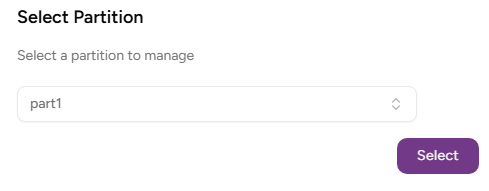
- Select the partition on which to manage certificate authorities and certificates.
Click Certificate Authorities in the sidebar and select the Allowed SANs tab.
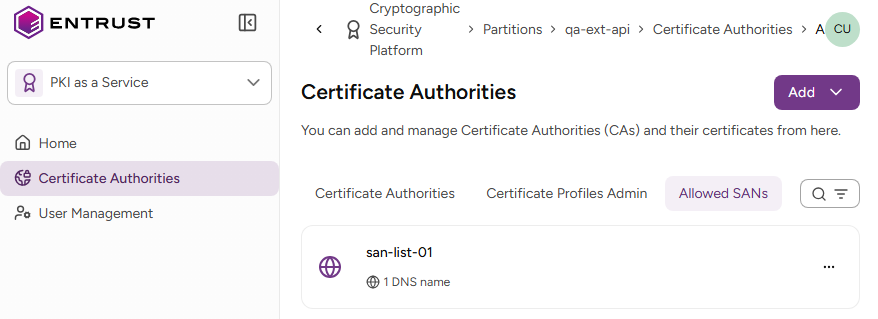
- Select the three dots (…) to the right of a list and select Delete Allowed SANs Lists.
- Click Delete in the confirmation dialog.